
Circle sticker
2 × 2 in
Full file: 2.325 × 2.325 in · CMYK · 350 DPIDownload editable SVGGET YOUR ARTWORK READY FOR LAUNCH.
Start with the right canvas. Download a Bako template, add your design, remove the guide layer, and upload your finished artwork for approval.
Editable SVG files have separate YOUR ARTWORK and BAKO GUIDES layers. Delete the guide layer before exporting as PNG, JPG or single-page PDF. Keep the full file dimensions, including bleed. Use the PDF pack as a reference, not as your upload.
Download the Bako guide packExtend background artwork to the file edge. Keep names, logos and important text inside the cyan safety line. Template-ready previews show the final trimmed result.
2 × 2 in
Full file: 2.325 × 2.325 in · CMYK · 350 DPIDownload editable SVG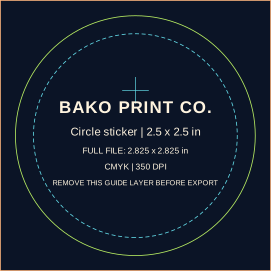
2.5 × 2.5 in
Full file: 2.825 × 2.825 in · CMYK · 350 DPIDownload editable SVG
3 × 3 in
Full file: 3.325 × 3.325 in · CMYK · 350 DPIDownload editable SVG
4 × 4 in
Full file: 4.325 × 4.325 in · CMYK · 350 DPIDownload editable SVG
6 × 6 in
Full file: 6.325 × 6.325 in · CMYK · 350 DPIDownload editable SVG
2 × 2 in
Full file: 2.325 × 2.325 in · CMYK · 350 DPIDownload editable SVG
3 × 3 in
Full file: 3.1 × 3.1 in · CMYK · 350 DPIDownload editable SVG
2.5 × 1.5 in
Full file: 2.825 × 1.825 in · CMYK · 350 DPIDownload editable SVG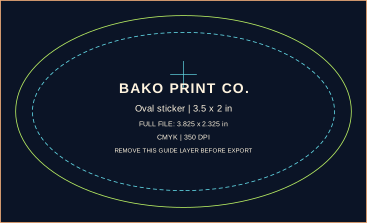
3.5 × 2 in
Full file: 3.825 × 2.325 in · CMYK · 350 DPIDownload editable SVG
6 × 4 in
Full file: 6.325 × 4.325 in · CMYK · 350 DPIDownload editable SVG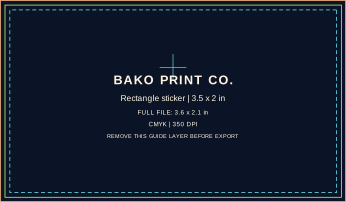
3.5 × 2 in
Full file: 3.6 × 2.1 in · CMYK · 350 DPIDownload editable SVG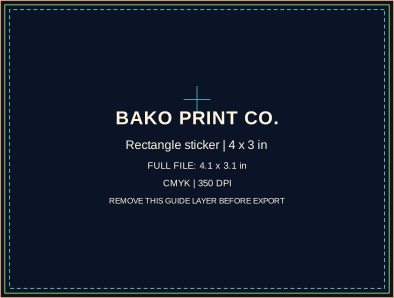
4 × 3 in
Full file: 4.1 × 3.1 in · CMYK · 350 DPIDownload editable SVG
6 × 4 in
Full file: 6.1 × 4.1 in · CMYK · 350 DPIDownload editable SVG